
Free 24h trial. No payment, no contract, live in minutes. Start now

Start 24h Trial

IPTV for Firestick UK

IPTV for Firestick UK: set up in minutes

A Firestick is the easiest way to get IPTV on any TV with an HDMI port. Here is exactly how to install the player, log in and keep the picture smooth on match day.

  • No payment for the trial
  • No contract
  • Live in minutes
  • Real people on WhatsApp
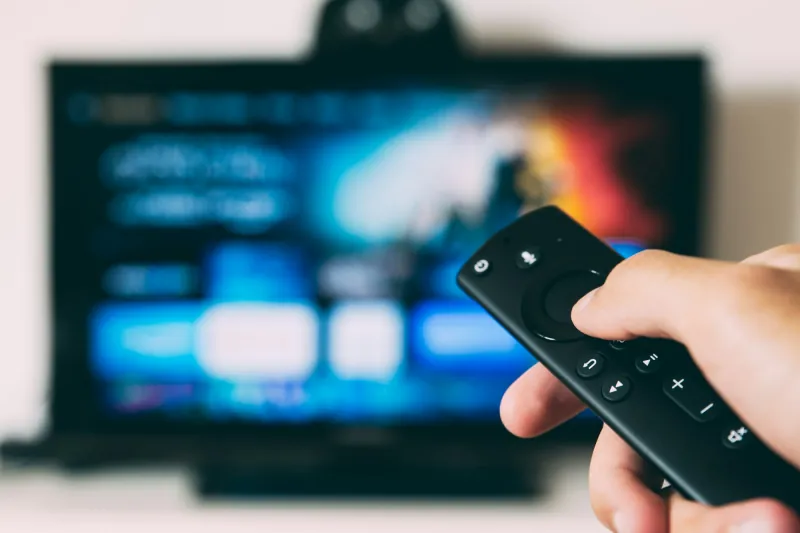
A hand holding a streaming stick remote in front of a TV showing the stick’s home screen

Step by step

Set up IPTV on a Firestick.

About ten minutes the first time. You only do it once.

  1. 01

    Get your login

    Start the free trial or order a plan on WhatsApp. We send your login details and the name of the player app that works best on Firestick.

  2. 02

    Allow the app to install

    On the Firestick, open Settings, then My Fire TV, then Developer Options, and allow apps from unknown sources for the app you use to install. If Developer Options is missing, open About and press the select button on your device name seven times.

  3. 03

    Install the player app

    Search for the player in the Amazon Appstore. If it is not listed there, we send you a short download code and the exact steps for your Firestick model.

  4. 04

    Enter your details

    Open the player, choose the login type we tell you, and type in your details exactly as sent. Usernames and passwords are case-sensitive.

  5. 05

    Start watching

    The app loads the TV guide, live channels, films and series. Move the app to the front of your home screen so it is one click away.

Stop buffering on a Firestick

Most Firestick buffering starts in the home, not on the server. Work through these in order:

  1. Use a wired connection. An Ethernet adapter for Firestick plugged into the router is the biggest single fix.
  2. Switch to 5 GHz Wi-Fi. If you must use Wi-Fi, join the 5 GHz network and keep the router close to the TV.
  3. Clear the app cache. Settings, Applications, Manage Installed Applications, choose the player, then Clear Cache.
  4. Free up storage. Uninstall apps you no longer use. A nearly full Firestick slows down every stream.
  5. Restart weekly. Hold Select and Play together for five seconds to restart the Firestick, and restart the router too.
  6. Match the quality to your line. Full HD needs about 10 Mbps; 4K needs 25 Mbps or more at the TV.

If a channel still freezes after all of that, message us on WhatsApp with the channel name. A real person checks it with you, day or night.

Firestick tips for a better picture

  • Turn on match frame rate. In Settings, Display and Sounds, Display, set Match Original Frame Rate on for smoother sport.
  • Use the TV guide view. Most players have a guide layout that shows now and next for every channel. It is quicker than scrolling a list.
  • Add favourites. Long-press your most-watched channels to add them to favourites, so the whole family finds them fast.
  • Keep the remote simple. Pin the player app to the first spot on the home screen.

Using a Smart TV instead? See the Smart TV setup guide, or the full setup guide for every device.

FAQ

Firestick questions.

Still unsure? Ask us on WhatsApp.

Which Firestick is best for IPTV?

Any recent Firestick works for Full HD. For 4K channels and films, use a 4K model on a 4K TV.

Do I need to jailbreak my Firestick?

No. You only change one setting so the player app can install. Your Firestick, its apps and your Amazon account keep working as normal.

Why is IPTV buffering on my Firestick?

Usually Wi-Fi strength or a full Firestick. Use Ethernet or 5 GHz Wi-Fi, clear the player app cache, and restart the Firestick. If it continues, message us.

Can I use one subscription on two Firesticks?

Yes, with two connections on your plan, so both can play at the same time.

Can you set it up for me?

We walk you through every step on WhatsApp, with screenshots if you need them. Most people are watching within ten minutes.

Try it free tonight.

24 hours, every channel, no payment. See the picture on your own TV before you choose a plan.

Chat on WhatsApp
Start 24h TrialPlans from £9.99
Try free