Free 24h trial. No payment, no contract, live in minutes. Start now

Start 24h Trial

IPTV for Smart TV

IPTV for Smart TV: no extra box

Most Samsung, LG, Android TV and Google TV sets can run IPTV straight from their own app store. Pick your TV below and follow the steps, or ask us to walk you through it.

  • No payment for the trial
  • No contract
  • Live in minutes
  • Real people on WhatsApp
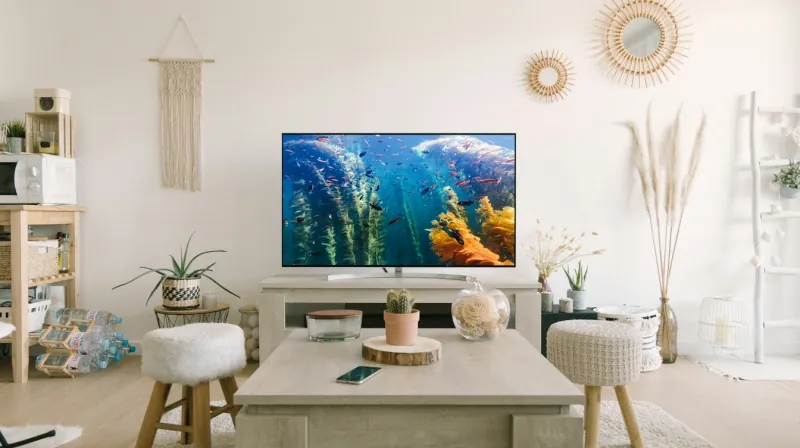
A Smart TV on a low unit in a bright, modern living room

Choose your TV

Set up IPTV on your Smart TV.

Start the free trial first: your login message names the player app that suits your TV model.

Samsung Smart TV

  1. Press Home and open Apps.
  2. Search for the player app we name in your login message, then select Install.
  3. Open the app. If it shows a device code or MAC address, send it to us on WhatsApp.
  4. Enter your login details exactly as sent, or wait while we activate the code.

LG Smart TV

  1. Press Home and open the LG Content Store (Apps).
  2. Search for the player app we name, then install it.
  3. Open the app and note any device code or MAC address it shows.
  4. Enter your login details, or send us the code and we finish the activation.

Android TV and Google TV

  1. Open the Google Play Store on the TV.
  2. Search for the player app we name and install it.
  3. Open the app and choose the login type we tell you.
  4. Type in your details. Usernames and passwords are case-sensitive.

Before you start

  • Update the TV. Install any system update in the TV settings first. Old firmware is the most common reason an app will not install.
  • Check your broadband at the TV. Run the TV’s network test or a speed test app. Aim for 25 Mbps or more if you want 4K.
  • Use a cable if you can. Most Smart TVs have an Ethernet port. It gives a steadier picture than Wi-Fi, especially for live sport.
  • Keep your login message handy. You will type the details with the TV remote, so a phone next to you helps.

If your TV is not supported

Some older Smart TVs, and a few brands with smaller app stores, do not offer a suitable player. The simplest fix is a Firestick or an Android TV box in a spare HDMI port. You keep the same TV and remote habits, and setup takes about ten minutes. See the Firestick setup guide.

Getting the best picture on a Smart TV

Turn off motion smoothing (it may be called Auto Motion Plus, TruMotion or similar) if sport looks unnaturally smooth, and set the picture mode to Standard or Filmmaker for films. Restart the TV fully every week or so by unplugging it for 30 seconds, which clears the memory the app uses.

Want IPTV on other devices too? Our setup guide covers Android, iOS, MAG boxes, Apple TV and PC.

FAQ

Smart TV questions.

Still unsure? Ask us on WhatsApp.

Can I use IPTV on a Smart TV without a Firestick?

Yes, on most Samsung, LG, Android TV and Google TV models from the last few years. The player app installs from the TV’s own app store.

My TV’s app store does not have the player. What now?

Older or less common TVs sometimes miss it. A Firestick or Android box plugged into HDMI solves it in minutes, and we help you set it up.

Why does the app ask for a MAC address or device code?

Some Smart TV players link to your TV that way instead of a username. Send us the code shown on screen and we activate it for you.

Can I watch 4K on my Smart TV?

Yes, on a 4K TV with about 25 Mbps or more of broadband reaching it. A wired connection helps a lot.

Is a Smart TV or a Firestick better for IPTV?

A Smart TV means no extra box. A Firestick is often quicker and gets app updates sooner. Both work well, and you can use both on a two-screen plan.

Try it free tonight.

24 hours, every channel, no payment. See the picture on your own TV before you choose a plan.

Chat on WhatsApp
Start 24h TrialPlans from £9.99
Try free